Cart
No products in the cart.
Setting up email on iOS is extremely simple by performing the following steps.
These are the licenses for workloads that we bring for you, each of these have different prices.
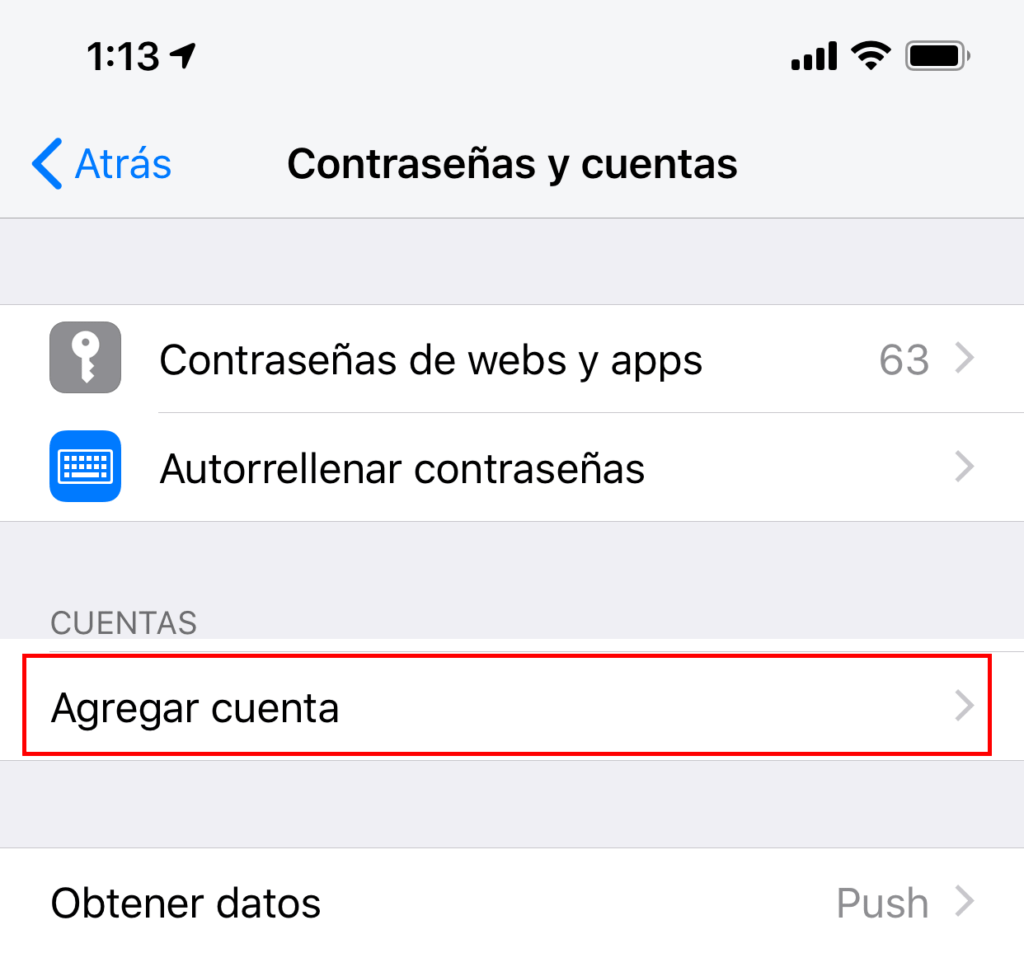
2.- In Settings, scroll down and click on Accounts and Passwords.

4.- Click on Other at the bottom.
5.- Click on Add email account.

6.- The next screen will ask you for basic account information:

7.- Click Next.
8.- Make sure IMAP is selected.
Enter the following server details:

9.- Click next
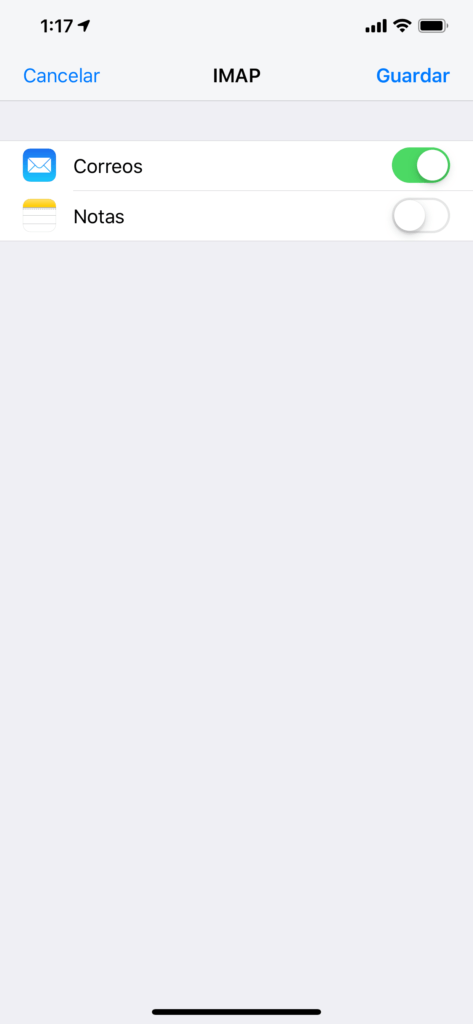
10.- Select the desired configuration and click Save
Note: If you have a large mailbox, it may take several minutes before the email appears. Wait at least 15 minutes before solving the problem.
¡Done! Now you can enjoy setting up your mail on iOS.