
Cart
No products in the cart.
1.- Open the device settings.
2.- Select «Accounts» and click on «Add account»
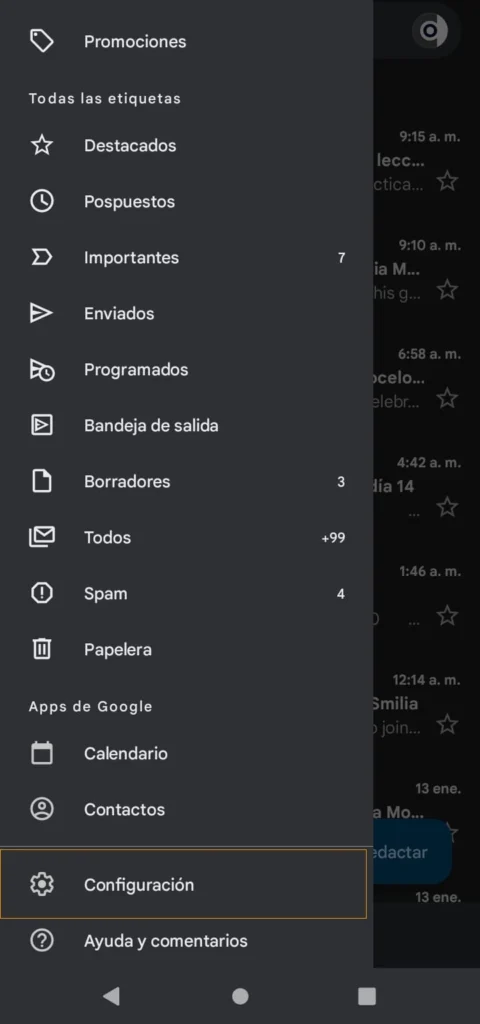

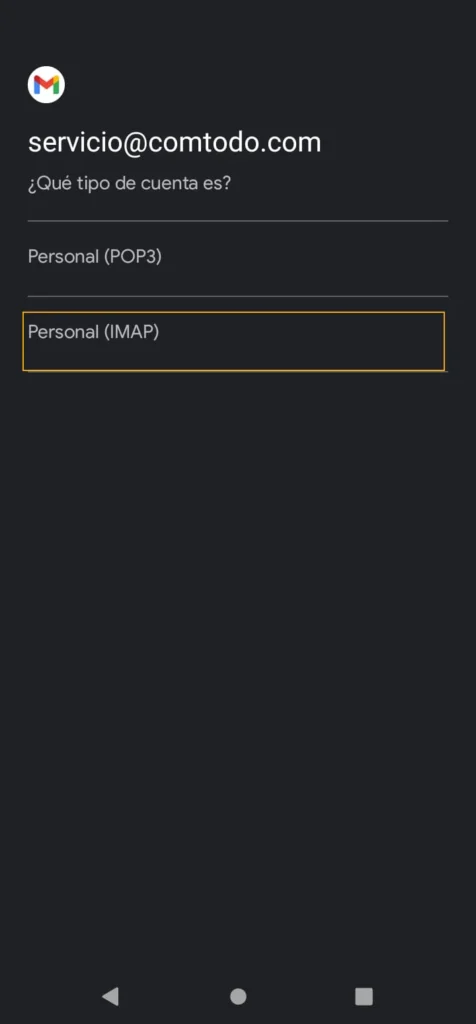
3.- Select «Personal (IMAP)»
4.- Enter your email.
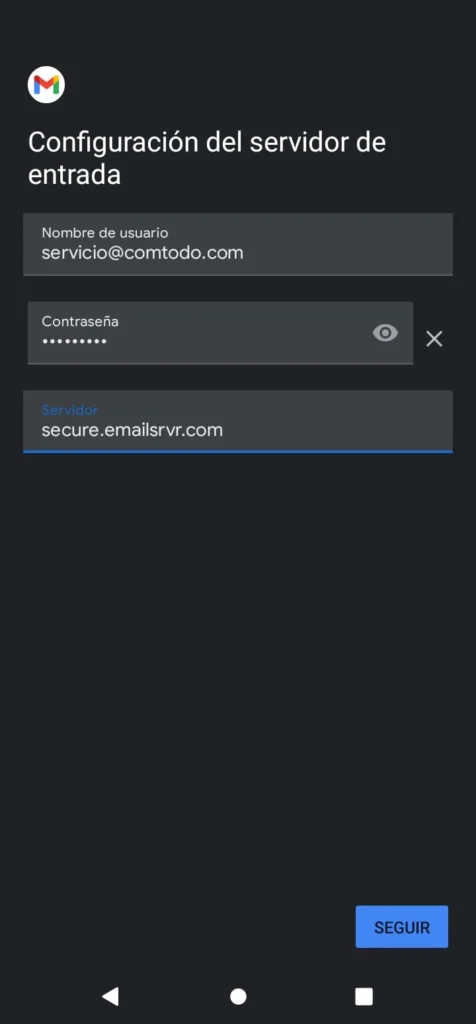
5.- Enter your password

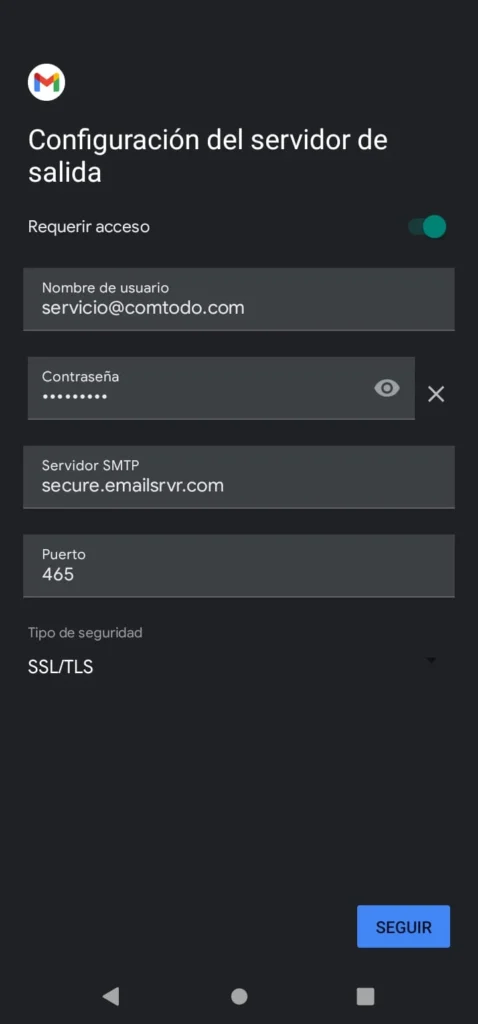
6.- Now we must complete the following information (for the input server since the output is the same information):
7.- Make sure that in the outgoing server configuration the option “requires access” is enabled
8.- Now we will select the desired configuration or we will leave it by default as shown in the image
10.- Finally, go to the beginning of the device and select Gmail, once the application is open you will see the emails that will be synchronized. Wait a few minutes for all emails to sync.
